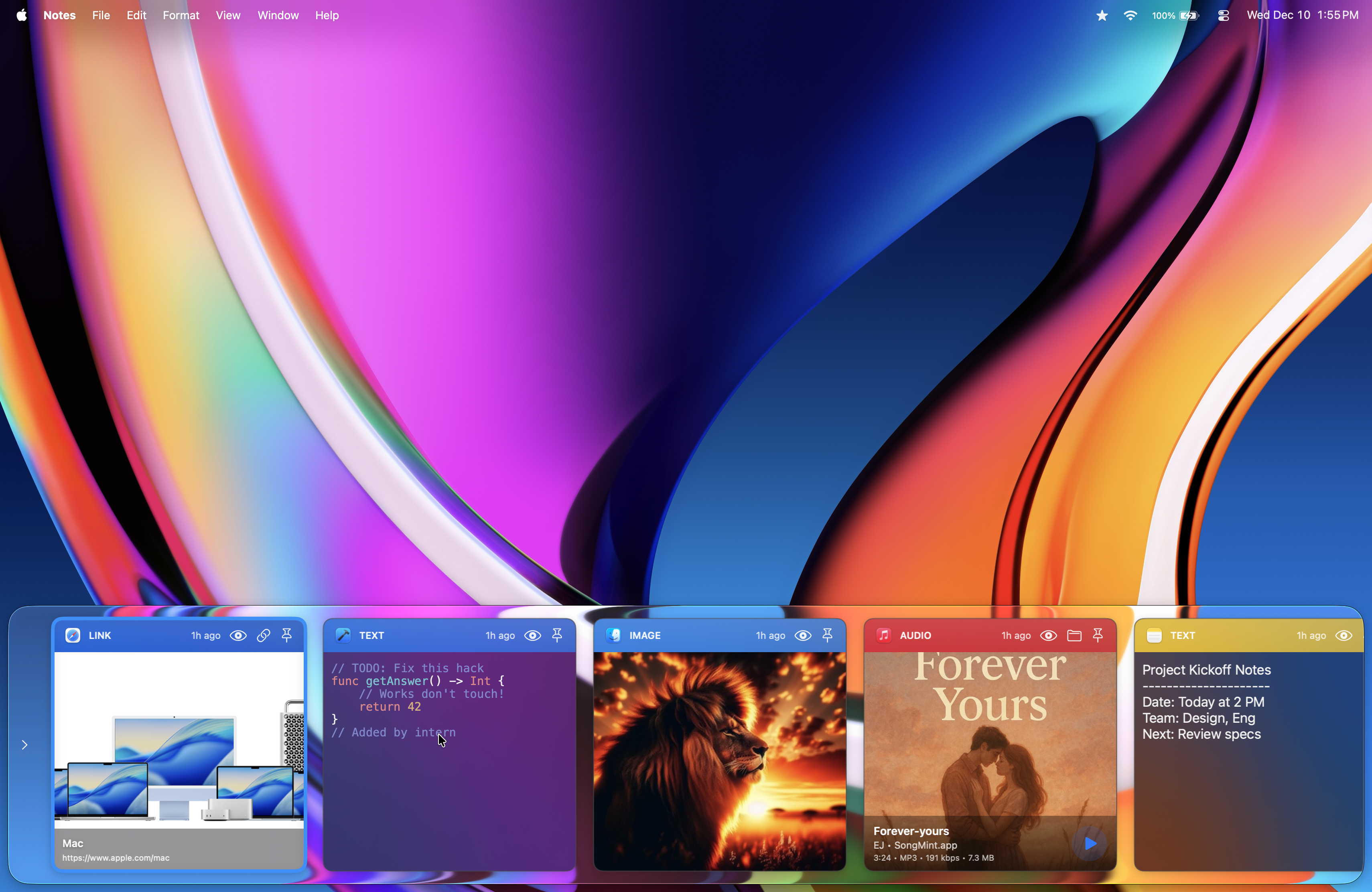
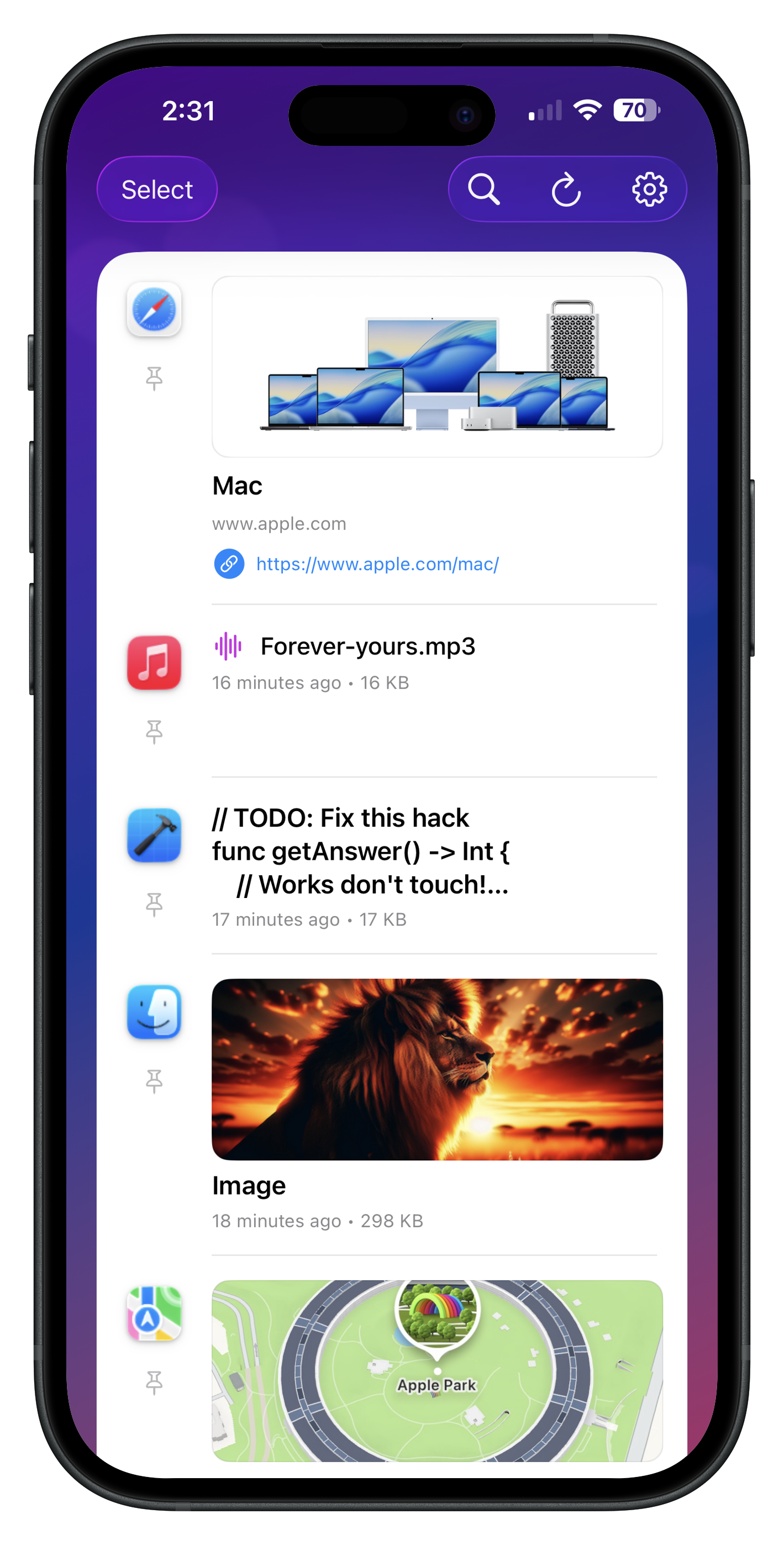
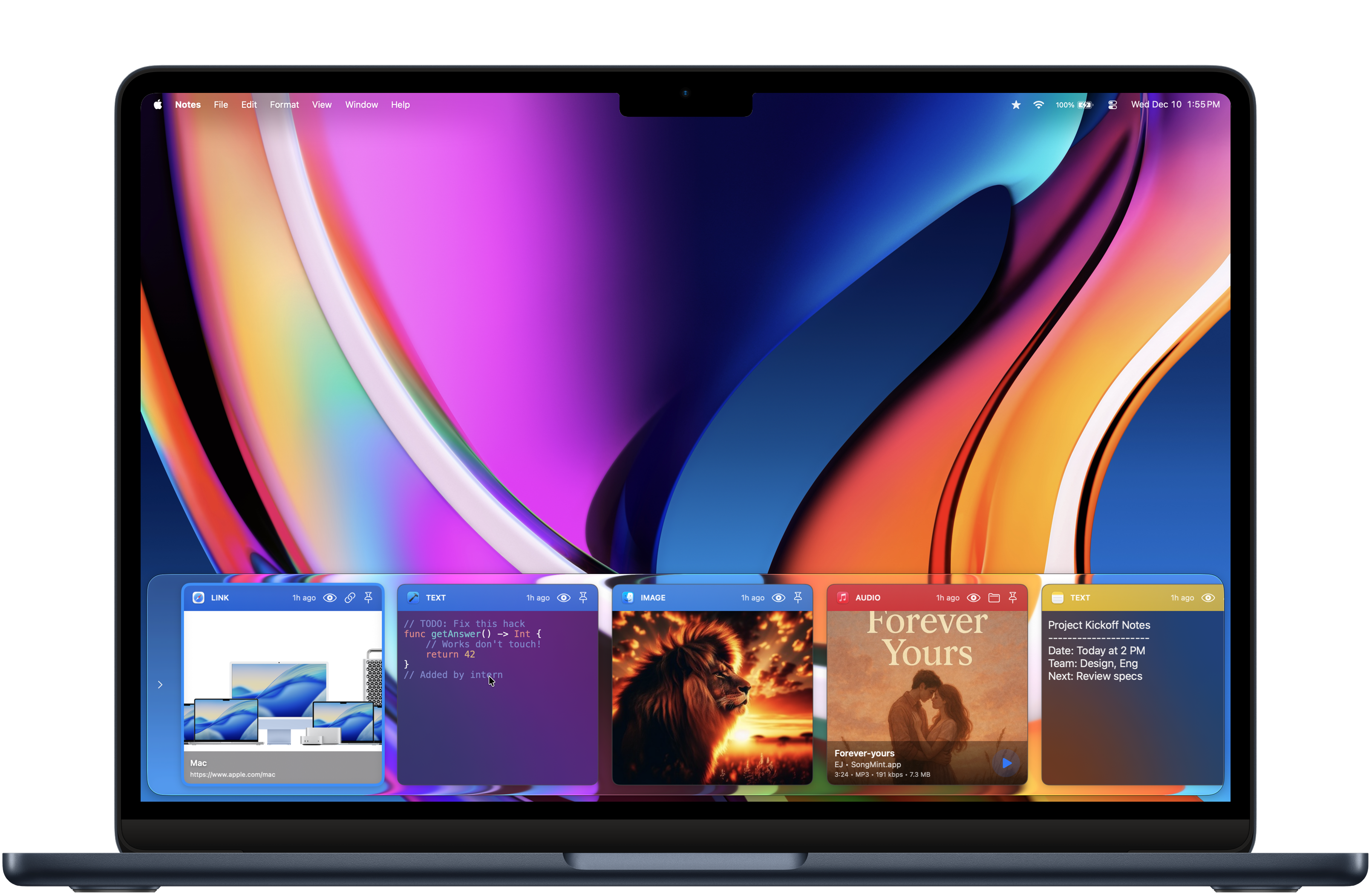
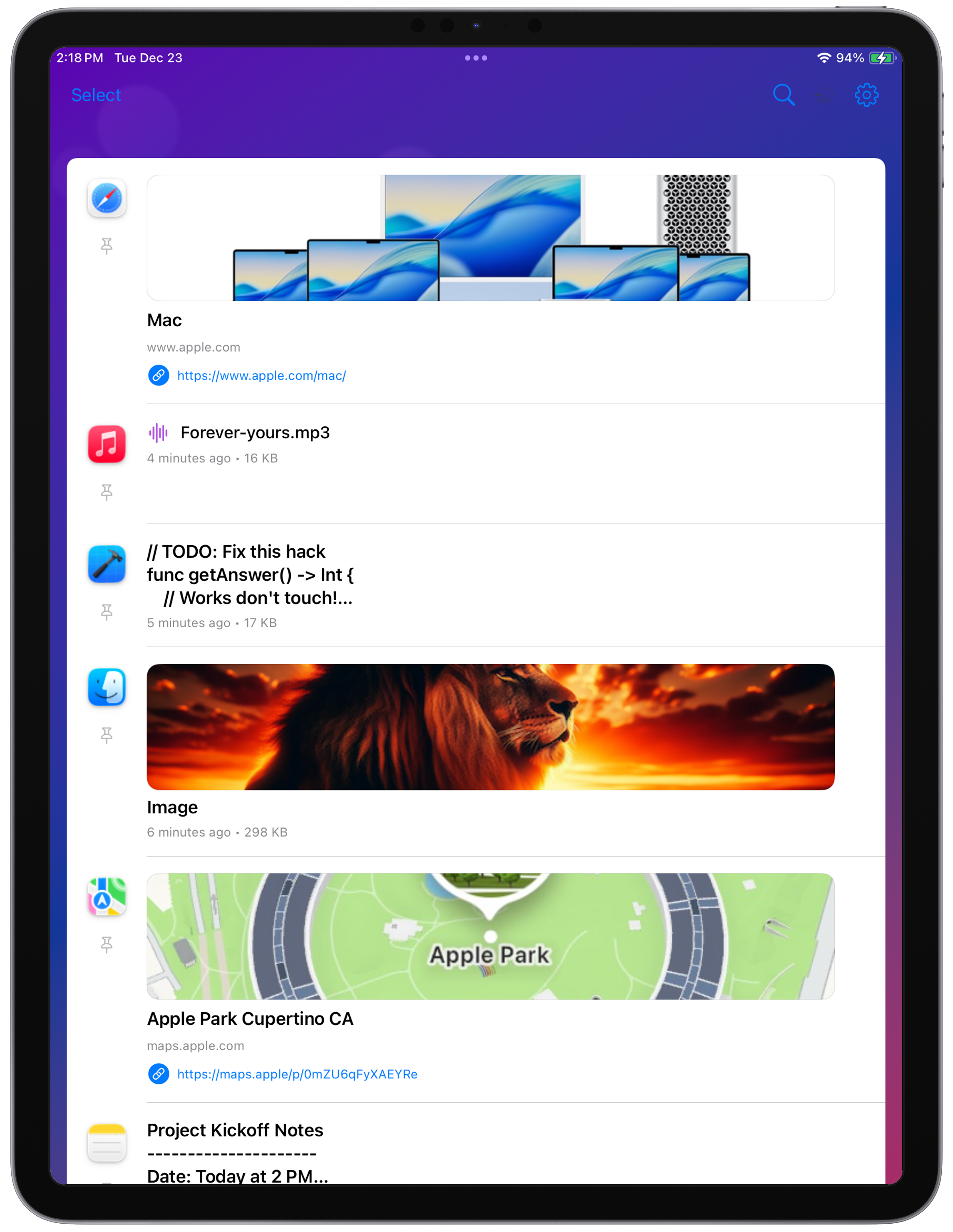
Browse what you copied—text, links, images, and more—without breaking your flow.
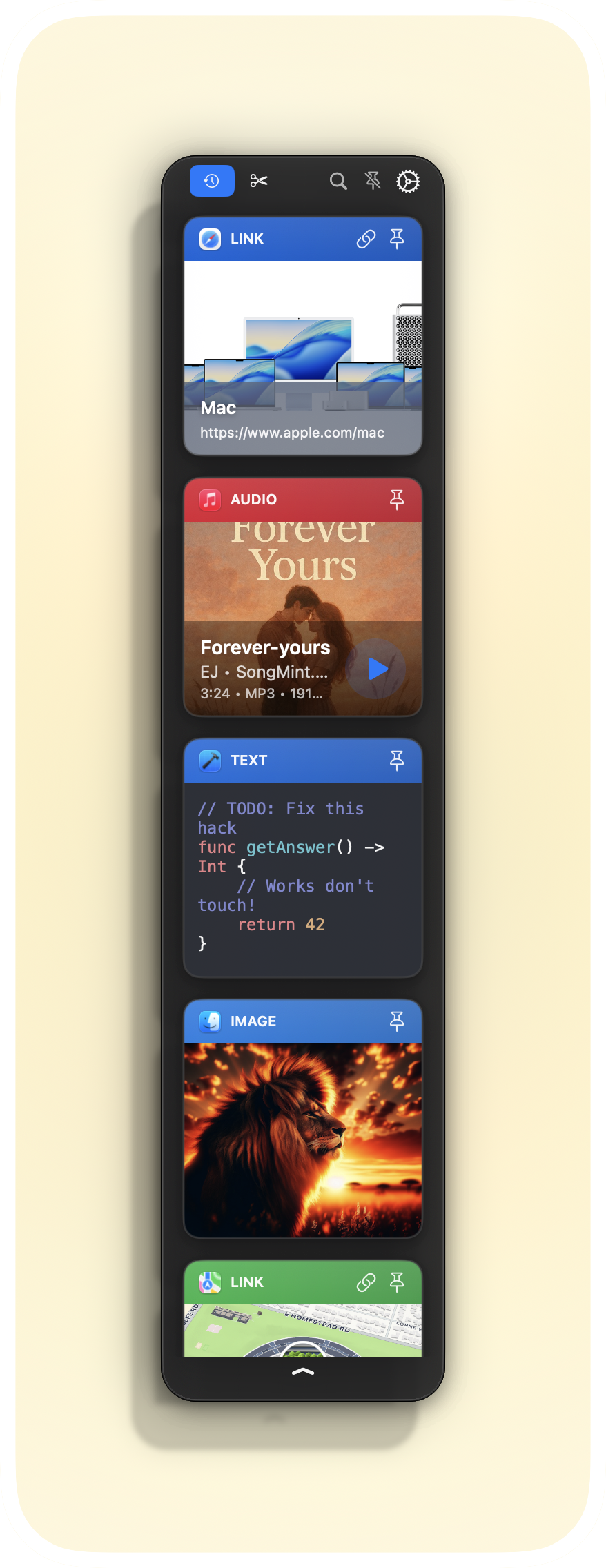
Choose how you see your clips—minimal, normal, or card view.
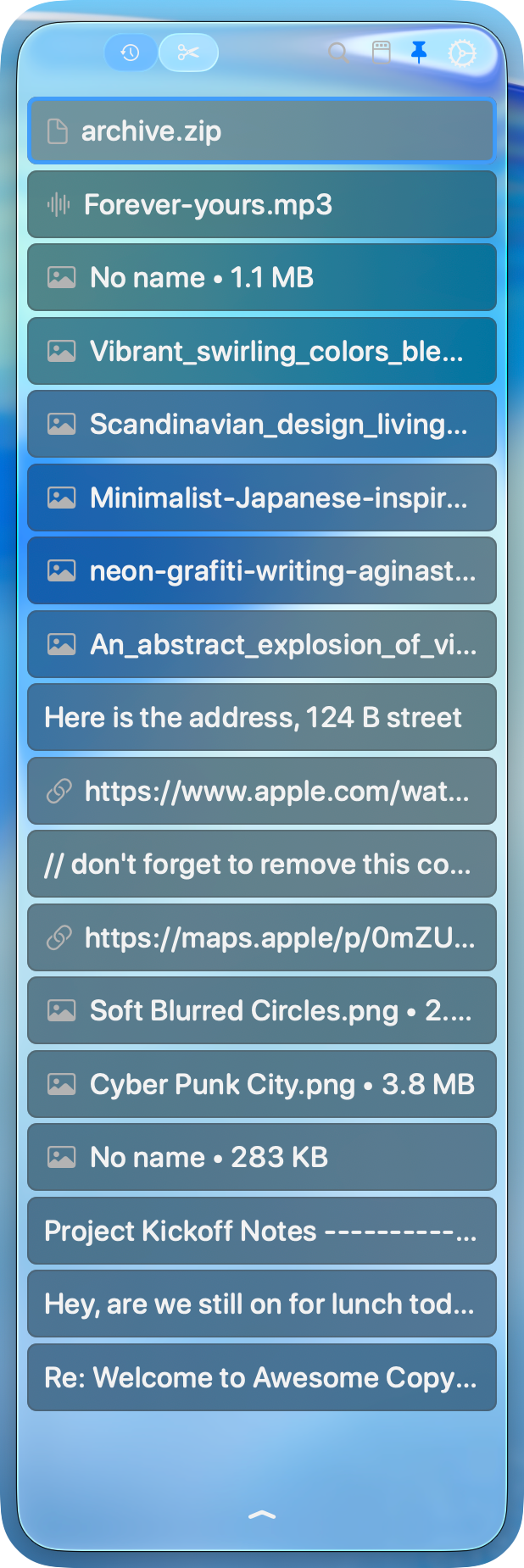
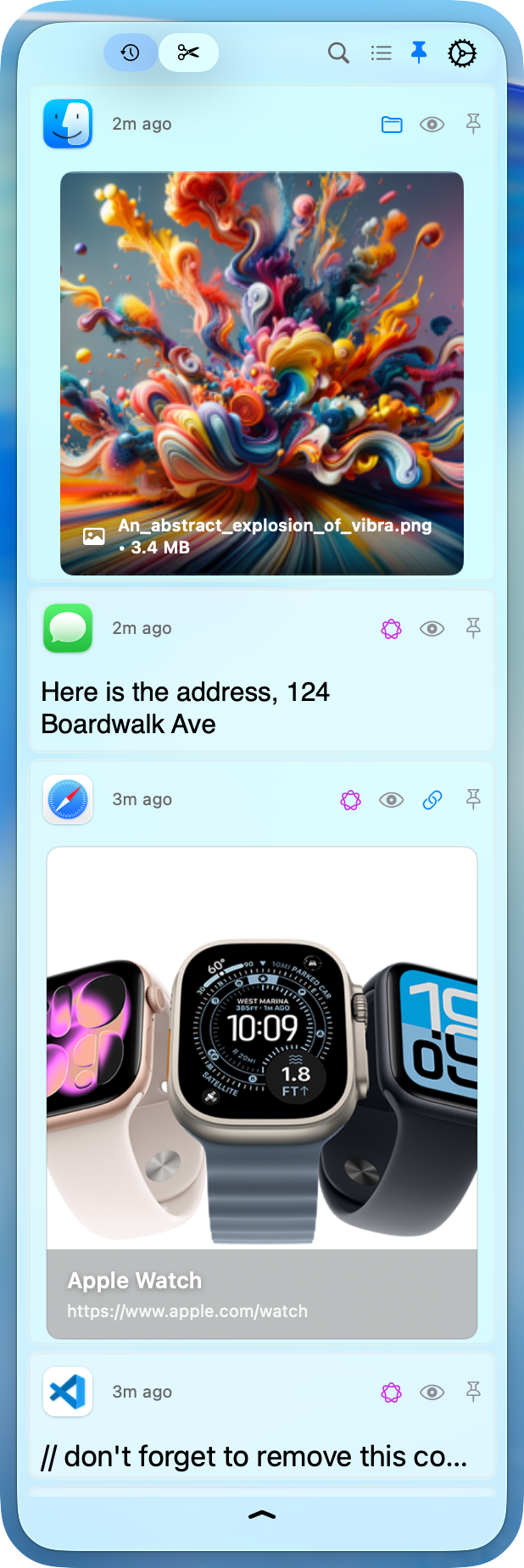
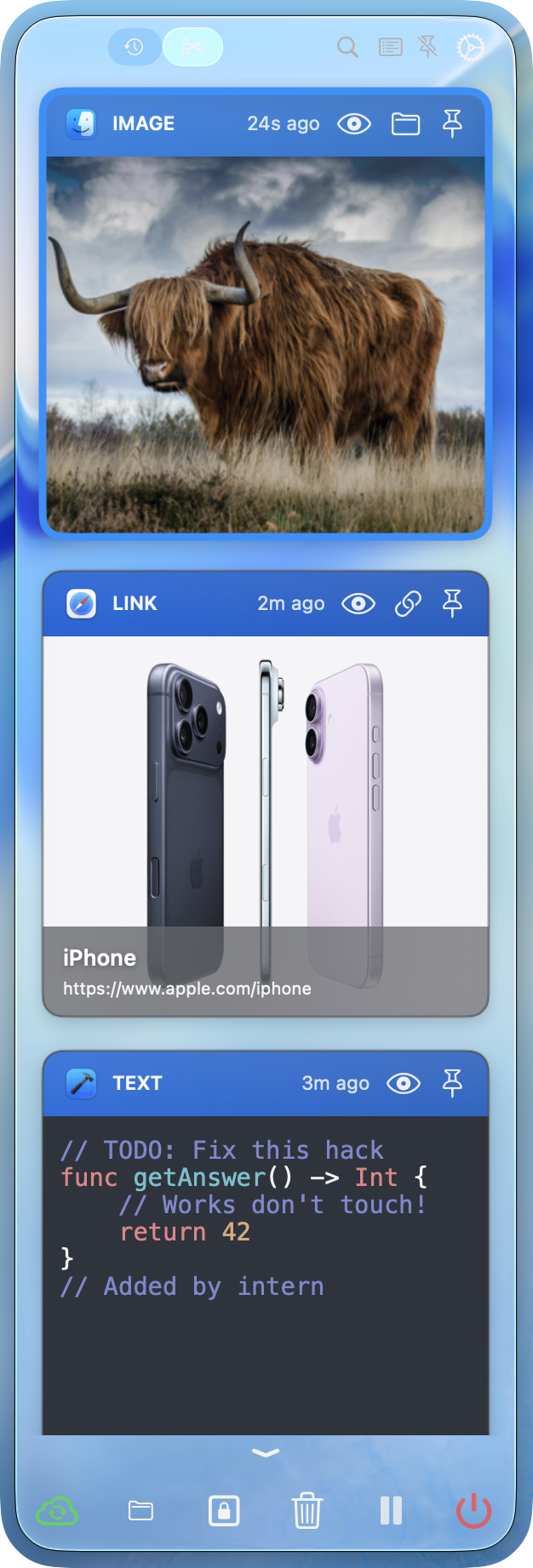
Grab any clip and drop it right where you need it—no extra steps required.
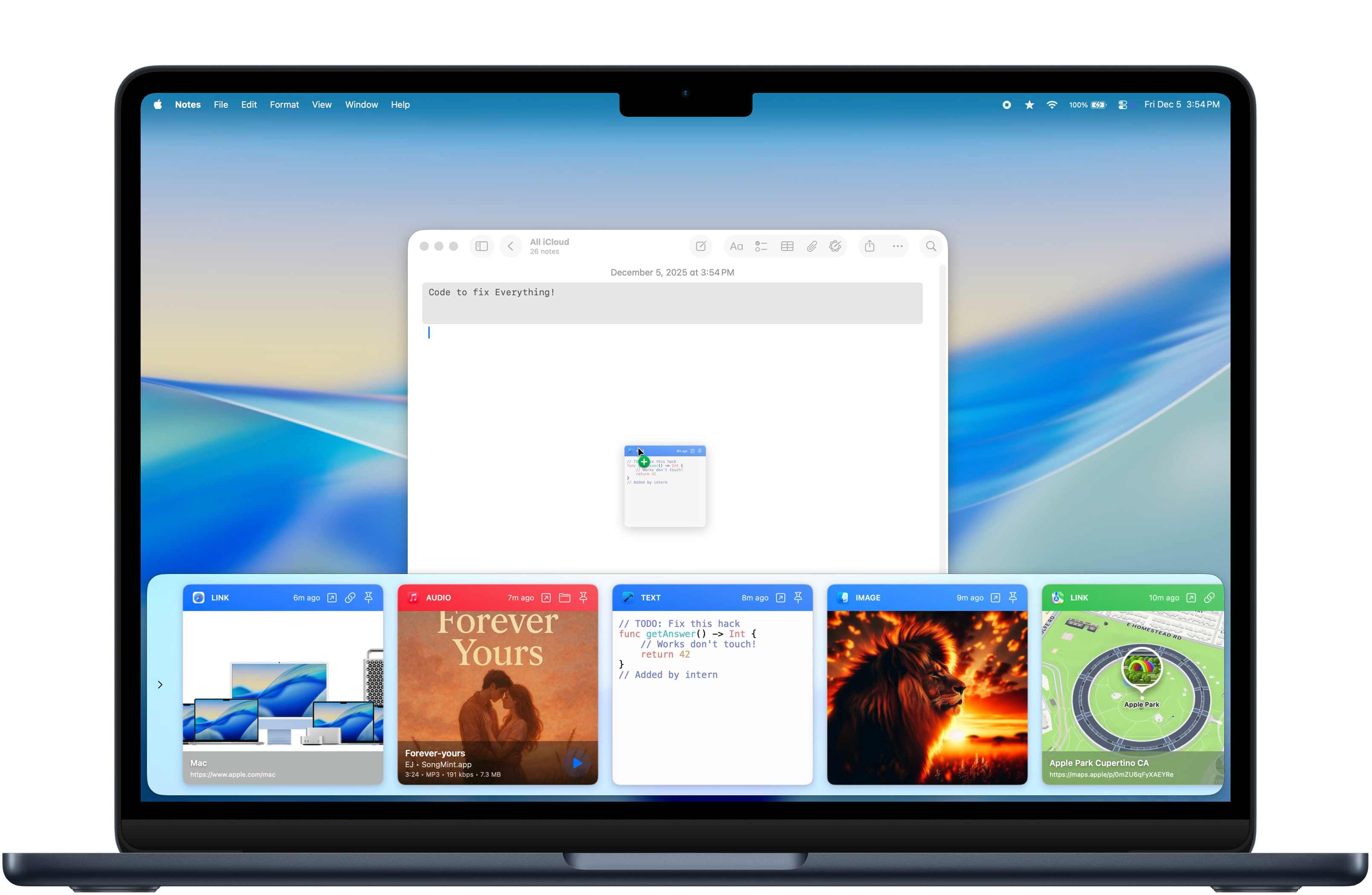
Group related clips so your best stuff is always easy to pull back up.

Your clipboard history stays private with powerful controls. We never collect or store any of your personal data.
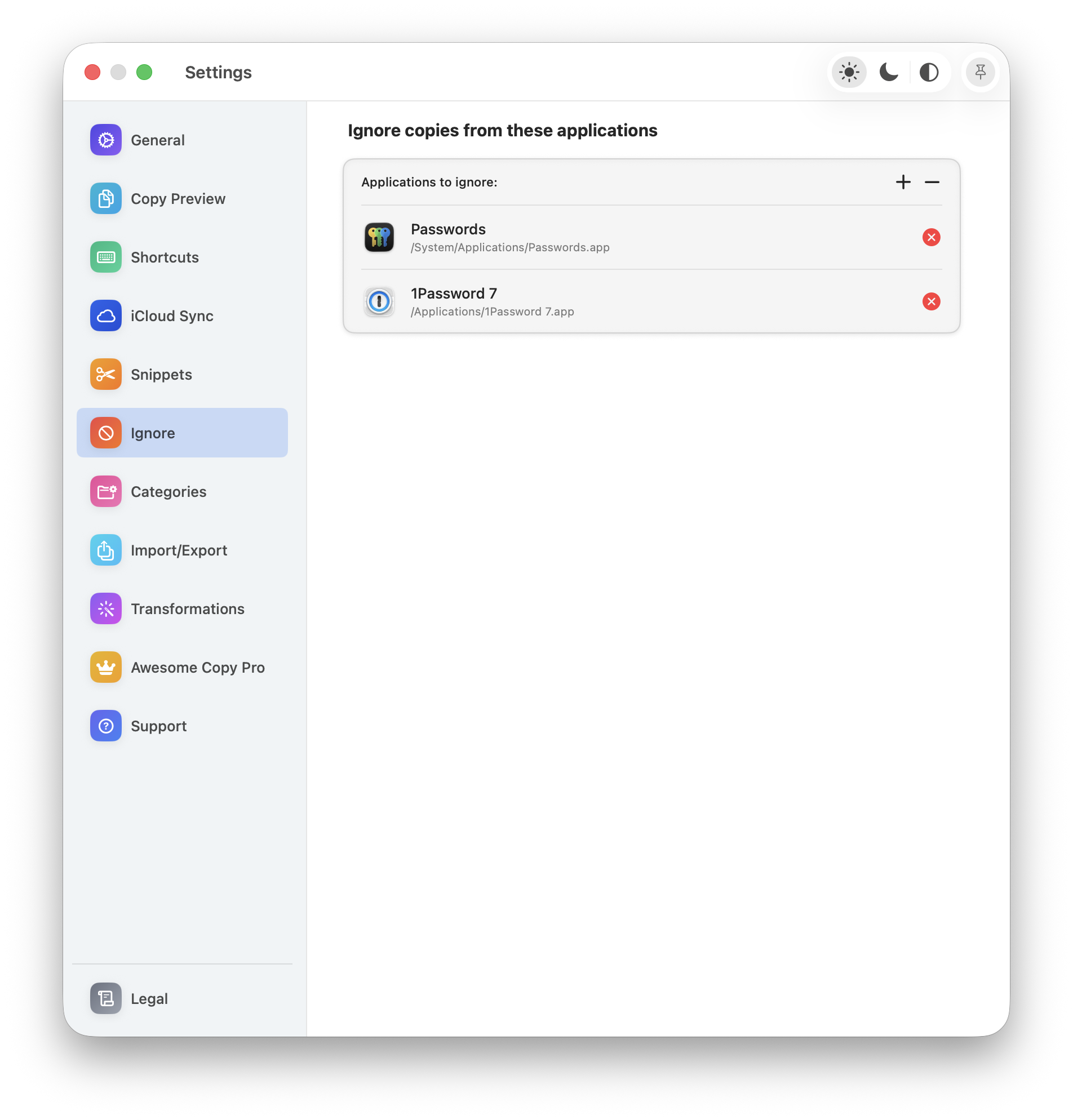
Exclude any app from clipboard tracking—what happens in that app stays in that app.
Automatically mask or ignore copies from password managers—your secrets stay secret.
Optionally wipe your clipboard when the app closes, your system sleeps, or locks.
Copy on one device, paste on another. Secure, seamless, and always up to date.
Press your custom hotkey and a compact paste window appears right at your cursor. Navigate with arrow keys, type to search, and paste in one click.
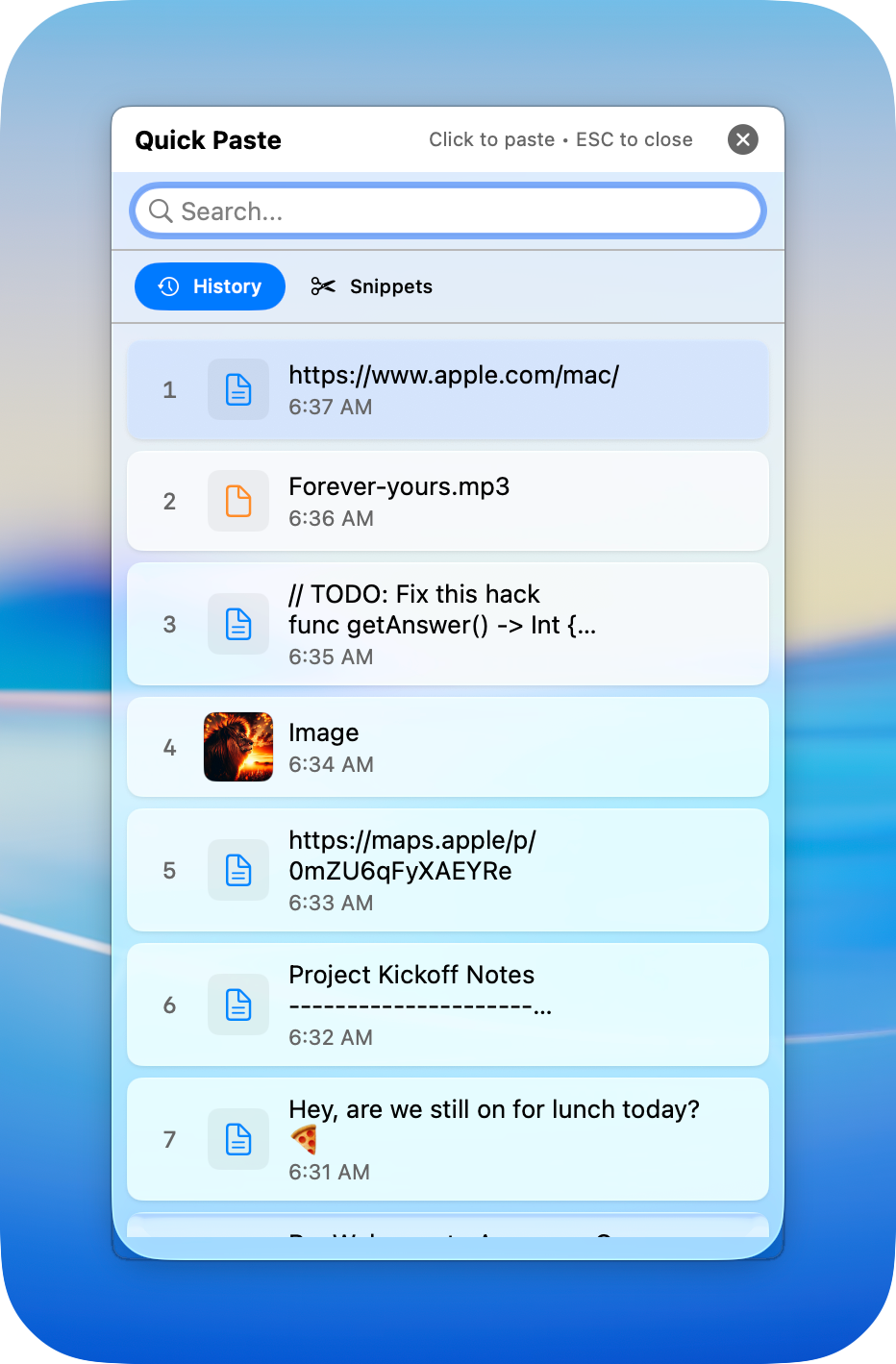

Clean up text, confirm content, and paste with confidence.
Your clipboard syncs across all your devices, always ready when you need it.
Copy on Mac, paste on iPhone. It just works.
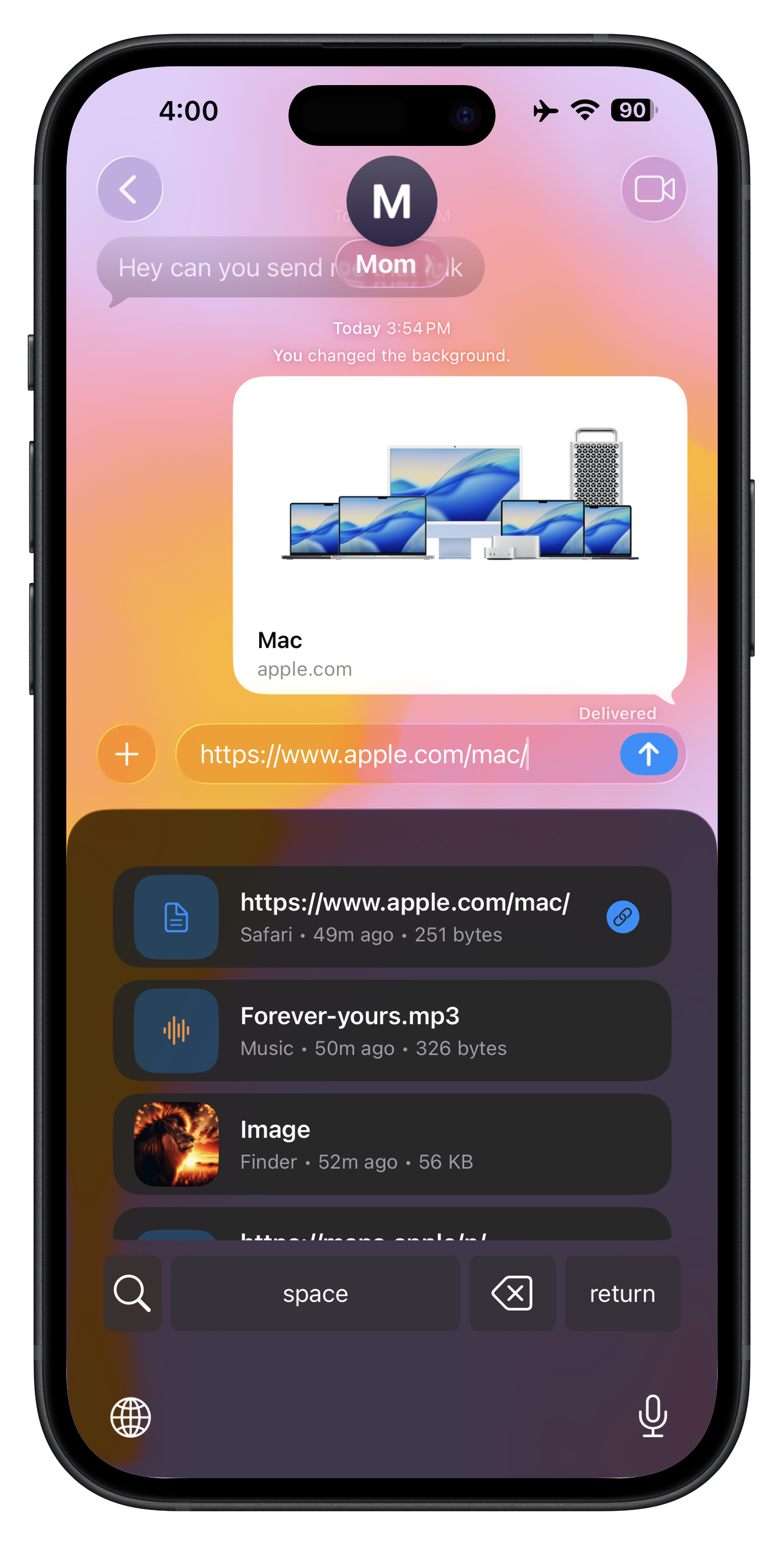
Access your clips right from the keyboard.
A complete clipboard solution with 40+ features.
Real reviews from the App Store.
"This clipboard manager app is the best a lifesaver! Super user-friendly, and it makes copying and organizing text a breeze. Highly recommend it!"
"In a sea of clip board apps, this is by far the best. Never seen a developer add so many features so fast. I've tried every clip board and this is my favourite. Can't wait to see where this is in a year at this pace."
"I've used other clipboard history apps, but the key element with Awesome is that it synchronises to the iPhone which I, for one, find very useful. The app is immensely flexible, even confusingly so, but the tech support from the developer is extremely fast and extremely helpful."
"Who knew a MenuBar clipboard tool could do so much and look so gorgeous? Had no idea how much I needed and enjoy this little app. Does everything and does it so well. With regular updates, improvements and added features - well worth the tiny investment. Use it many times daily and always enjoy the capability and elegance of truly an Awesome Copy. Who knew? Thank you."
"I used lots of clipboard apps, but this one is absolutely number one."
"At this price-range right now its a no-brainer!"
"Love how this works and looks! Very convenient. Other than that this is awesome!"
"This is truly an awesome tool to expand the clipboard capabilities for the Apple ecosystem beyond the already good capabilities between your iPhone and Mac, the iCloud sync is a great addition without compromising privacy."
"Really easy to set up!"
Try free for 7 days. One price. All features. Forever yours.
Yes! Awesome Copy uses iCloud to securely sync your clipboard history across all your Apple devices. Your data stays in your iCloud account and is encrypted end-to-end.
Yes, Awesome Copy supports Apple Family Sharing. One purchase can be shared with up to 5 family members.
No subscription required! Awesome Copy is a one-time purchase of $7.99 with a 7-day free trial included. Pay once and enjoy all features forever with free lifetime updates.
Absolutely. Your clipboard data is stored locally on your device and synced through your personal iCloud account. We never have access to your data, and you can exclude sensitive apps from being tracked.
Awesome Copy works on Mac (macOS 12+), iPhone (iOS 15+), and iPad (iPadOS 15+). All devices sync seamlessly through iCloud.
Join thousands of users who never lose a copy again.